

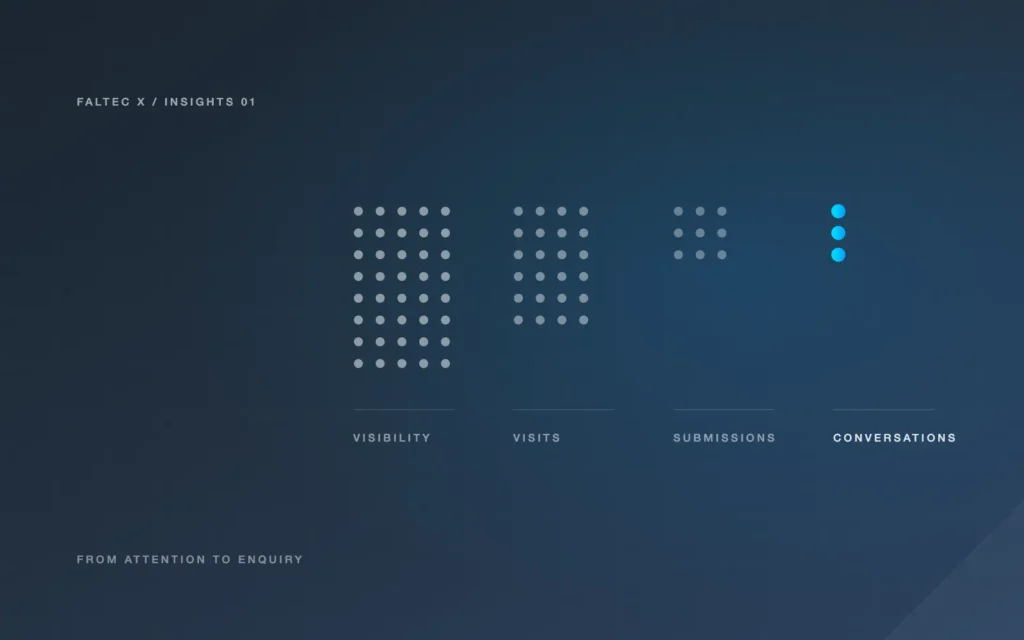
If your website is appearing in search or receiving visits but producing few useful enquiries, do not jump straight to a redesign. First separate four different things: visibility, visits, submissions and actual sales conversations. A problem at any one of those stages can make the whole website feel ineffective.
The useful question is not simply “Are people finding the website?” It is “Can the right person move from finding the business to making contact, and does that contact reach a reliable follow-up process?”
Visibility is not the same as a visit — and a visit is not a lead
Search visibility tells you that a page was shown or surfaced. It does not tell you that someone visited the page, understood the offer or submitted an enquiry.
This distinction matters more as search results become more varied. In June 2026, Google announced dedicated Search Console reporting for visibility in generative AI features such as AI Overviews and AI Mode, with the rollout expanded globally by the end of August. Those reports help site owners see AI-related visibility, but an impression in a search feature is still not a lead.
Third-party research also suggests that AI-heavy search results can change click behaviour. Ahrefs reported an association between AI Overviews and lower click-through rates in its 2026 study. That does not diagnose your website, and it should not be treated as a forecast for an individual Adelaide business. It simply reinforces the need to measure each stage separately.
A useful funnel is:
Search visibility → relevant page visit → useful engagement → enquiry submission → enquiry received → follow-up → qualified opportunity
If you only measure the first or last item, you can miss where the problem actually sits.
Check whether the right landing pages are getting relevant visits
Start with the pages people are actually entering through, not the pages you hope they are reading.
Ask:
- Which service pages are receiving search visits?
- Do those pages match the services you most want to sell?
- Are visitors arriving from relevant queries or broad informational searches?
- Are they mostly on mobile or desktop?
- Do they reach the contact path from the landing page?
A page can attract traffic that looks encouraging in a report but has weak commercial relevance. For example, a general informational article may receive many visits while a high-intent service page receives few. Treating those visits as equivalent can make the site look healthier than it is.
If search data is sparse, avoid strong conclusions from a handful of sessions. Look for patterns over a reasonable period and combine analytics with real enquiry information.
Inspect the offer, proof and mobile call to action
Once relevant people are reaching the correct page, read it as a customer rather than as the business owner.
Can someone quickly understand:
- what service is being offered
- who it is for
- what problem it solves
- what the process involves
- what it may cost or what affects cost
- why the business is credible
- what to do next
If the page is visually polished but vague, the visitor still has to do too much interpretation.
Proof also matters, especially for a new business. If client testimonials and case studies do not exist yet, do not manufacture them. Use honest alternatives: a real founder profile, clearly labelled website demonstrations, technical examples, process detail, visible scope and straightforward explanations of ownership and support.
Then check the mobile experience. The primary call to action should be easy to find and use without covering the screen with competing buttons. Form fields should be readable, tap targets should work comfortably and the page should not bury important information beneath oversized visual sections.
Test whether the form actually arrives
A form can display a success message while the business receives nothing useful.
Test the complete path with authorised test data:
- Submit the form from desktop.
- Submit it from a phone.
- Confirm the success state is clear.
- Check that the message reaches the intended inbox or CRM.
- Confirm important fields arrive correctly.
- Check spam filtering and notification rules.
- Verify any analytics event is tracking a real submission rather than a button click.
If the form feeds another system, also test missing fields, duplicates and unusual input. A connection that works once during setup is not necessarily a reliable workflow.
For connected systems, see Before Automating Follow-Up, Test Your Website-to-CRM Connection.
Check assignment and follow-up after the enquiry arrives
The website may be doing its job while the follow-up process is failing.
If enquiries arrive in a shared inbox, who owns the next step? If they enter a CRM, how are they assigned? If an automated message is sent, what stops it when the person replies or books?
Map the process in plain language:
New enquiry → received → checked → assigned → contacted → next action recorded
Every arrow is a potential failure point.
Automation can help where the problem is repetitive hand-off or inconsistent routing, but it should not be added until responsibility is clear. See AI Automation Adelaide for practical CRM and follow-up workflows.
Choose the smallest useful fix
Once you know where the problem sits, choose the proportionate response.
If the service page is unclear, improve the content before rebuilding the whole site. If the mobile form is difficult to use, fix the form. If submissions are not arriving, repair the delivery path. If the site structure, theme and editing setup create problems across many pages, a redesign may be justified.
A redesign is most useful when the issue is structural: confusing navigation, inconsistent templates, poor mobile behaviour, outdated components or a content model that makes important improvements difficult.
See Website Redesign Adelaide for the difference between targeted fixes, redesign and rebuild.
Be careful with small data sets
New and local-business websites often have limited traffic. That makes certainty difficult.
Ten visits without an enquiry do not prove a page is broken. A single good enquiry does not prove a page is optimised. Use available evidence, but label uncertainty honestly and avoid making large project decisions from tiny samples alone.
When data is limited, combine quantitative information with direct checks: can a customer understand the page, can the form be completed, does the message arrive and is follow-up clear?
That diagnostic work often identifies a much smaller and more useful improvement than “redesign everything”.
A simple website enquiry diagnostic
Before changing the site, record:
- the page receiving the visit
- the likely customer intent
- the main action offered on that page
- whether the action works on mobile
- whether the form submits successfully
- where the enquiry arrives
- who owns the next step
- whether follow-up stops when it should
- what evidence supports the proposed fix
If one of those items is unknown, test it before making the next assumption.
Sources
- Google Search Central, “Introducing Search Generative AI performance reports in Search Console”, 3 June 2026: https://developers.google.com/search/blog/2026/06/gen-ai-performance-reports
- Ahrefs, “Update: AI Overviews Reduce Clicks by 58%”, 4 February 2026: https://ahrefs.com/blog/ai-overviews-reduce-clicks-update/
Related services: Web Design Adelaide · Website Redesign Adelaide · AI Automation Adelaide