

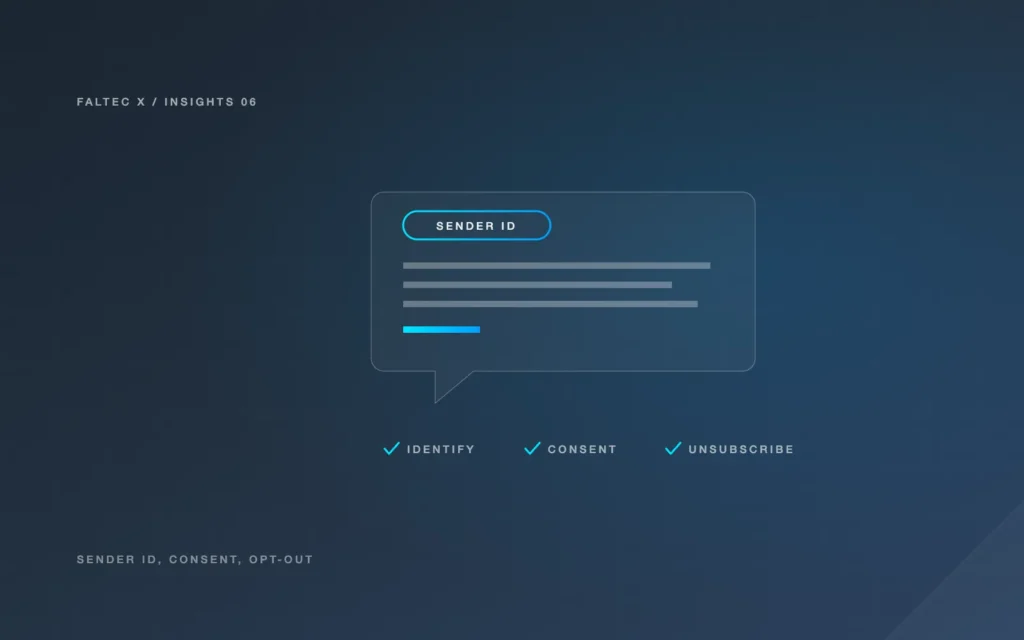
If an Australian business sends automated SMS follow-up, the workflow now needs to account for the SMS Sender ID Register as well as the existing consent and unsubscribe rules for commercial messages.
From 1 July 2026, Australia’s SMS Sender ID Register commenced. ACMA states that messages using registered branded sender IDs can continue to display the approved business or organisation name, while unregistered sender IDs must be labelled “Unverified” by telco carriers.
That change is about sender identity and scam reduction. It does not replace the need to comply with spam rules when sending marketing messages.
This article is general operational information, not legal advice. Check the current ACMA guidance and your messaging provider before implementation.
Understand branded sender IDs versus phone numbers
A sender ID is the name shown at the top of some text messages instead of a normal phone number. A business might use a branded name so recipients can recognise who the message is from.
The Sender ID Register applies to those branded sender identities. The practical setup can depend on the messaging provider and how messages are sent.
Before automating SMS, confirm:
- whether you use a branded sender ID or a phone number
- which messaging provider sends the message
- who is responsible for sender ID registration
- which business name is approved for use
- whether the chosen sender method can receive replies
Do not assume the website or CRM provider handles registration automatically.
Check whether the sender ID is registered
ACMA says that from 1 July 2026, messages using unregistered sender IDs must be labelled “Unverified”.
If your workflow depends on a branded sender name, speak with the telco or messaging provider about the registration process and status.
A technical test should confirm what the recipient actually sees on a real device. Do not rely only on the sender-name field shown inside the CRM or automation platform.
Separate enquiry replies from marketing
Not every business message has the same purpose.
An operational reply to a specific enquiry may be different from a promotional follow-up campaign. Problems arise when service messages also contain marketing content without the appropriate compliance controls.
ACMA’s spam guidance says commercial electronic messages generally require consent, accurate sender identification and a functional way to unsubscribe.
Design the workflow around the type of message being sent rather than treating every phone number in the CRM as available for marketing.
Check consent before sending marketing SMS
Registration of a sender ID does not create marketing consent.
For commercial messages, ACMA guidance says businesses need consent from the recipient. Consent may be express or, in limited circumstances, inferred under the applicable rules, but the business is responsible for being able to support its basis for sending the message.
For a website form, keep the enquiry action separate from any marketing opt-in. Someone asking for a quote should not be silently subscribed to unrelated promotional messages simply because they provided a mobile number.
If marketing consent is requested, make the choice and purpose clear.
Make unsubscribe handling part of the workflow
Commercial SMS needs a workable unsubscribe method.
ACMA guidance says unsubscribe instructions should be clear and requests generally need to be actioned within five working days. The method also needs to remain functional for the required period.
If you use a branded alphanumeric sender ID, note that some sender configurations cannot receive normal reply SMS messages. In that case, your provider may need another compliant unsubscribe mechanism.
The automation should not only send “Reply STOP” or another instruction. It should also ensure the opt-out is recorded and suppresses future marketing messages across the relevant workflow.
Define reply and booking stop rules
Even when the message is a legitimate follow-up, automation should stop when the next action has happened.
Useful stop conditions can include:
- the person replies
- the person books an appointment
- the enquiry is marked complete
- the person opts out
- a staff member takes over
- the phone number is invalid
The exact conditions depend on the CRM and messaging provider. Test them using authorised sample records.
If the provider uses a sender configuration that cannot receive replies, the workflow needs another reliable way to detect the event that should stop follow-up.
Test the full CRM-to-phone path
A successful workflow test should cover more than “SMS sent”.
Check:
- What event triggers the message?
- Is the correct mobile number selected?
- Is the sender identity displayed as expected?
- Does the message contain only approved content?
- Is consent status checked where required?
- Does the opt-out method work?
- Is the opt-out written back to the correct system?
- Does a reply or booking stop future follow-up?
- Are failed deliveries visible?
- Who is responsible for reviewing exceptions?
Keep a simple test log with expected and observed results.
Assign responsibility
Automated messaging crosses several systems: the website, CRM, automation platform, messaging provider and telco network. Someone needs ownership of the whole process.
That person should know:
- which sender identity is in use
- where consent is recorded
- how suppression is enforced
- how failed messages are surfaced
- who updates the workflow if regulations or provider rules change
Without clear ownership, a workflow can remain active long after the person who configured it has moved on.
The practical takeaway
For Australian businesses using SMS follow-up after July 2026, treat sender identity, consent and workflow control as separate checks.
Sender ID registration helps determine how a branded sender appears.
Consent and unsubscribe determine whether commercial messaging is permitted and how recipients can opt out.
Workflow testing determines whether the automation behaves correctly in the real CRM and messaging setup.
All three need attention before automated SMS follow-up is treated as production-ready.
Sources
- Australian Communications and Media Authority, “SMS Sender ID Register goes live to help protect Australians from scams”, 1 July 2026: https://www.acma.gov.au/articles/2026-06/sms-sender-id-register-goes-live-help-protect-australians-scams
- ACMA, “Sending text messages with your business or organisation name”: https://www.acma.gov.au/sending-text-messages-your-business-or-organisation-name
- ACMA, “Avoid sending spam”: https://www.acma.gov.au/avoid-sending-spam
Related services: AI Automation Adelaide · Contact · Before Automating Follow-Up, Test Your Website-to-CRM Connection